
Keep the right conversations visible to the right people.
Permission-based access controls who can see and join a conversation, based on role and location, so nothing ends up in front of the wrong person.


From an advisory partner:
— Anonymous, senior living operator
How Caily helps.
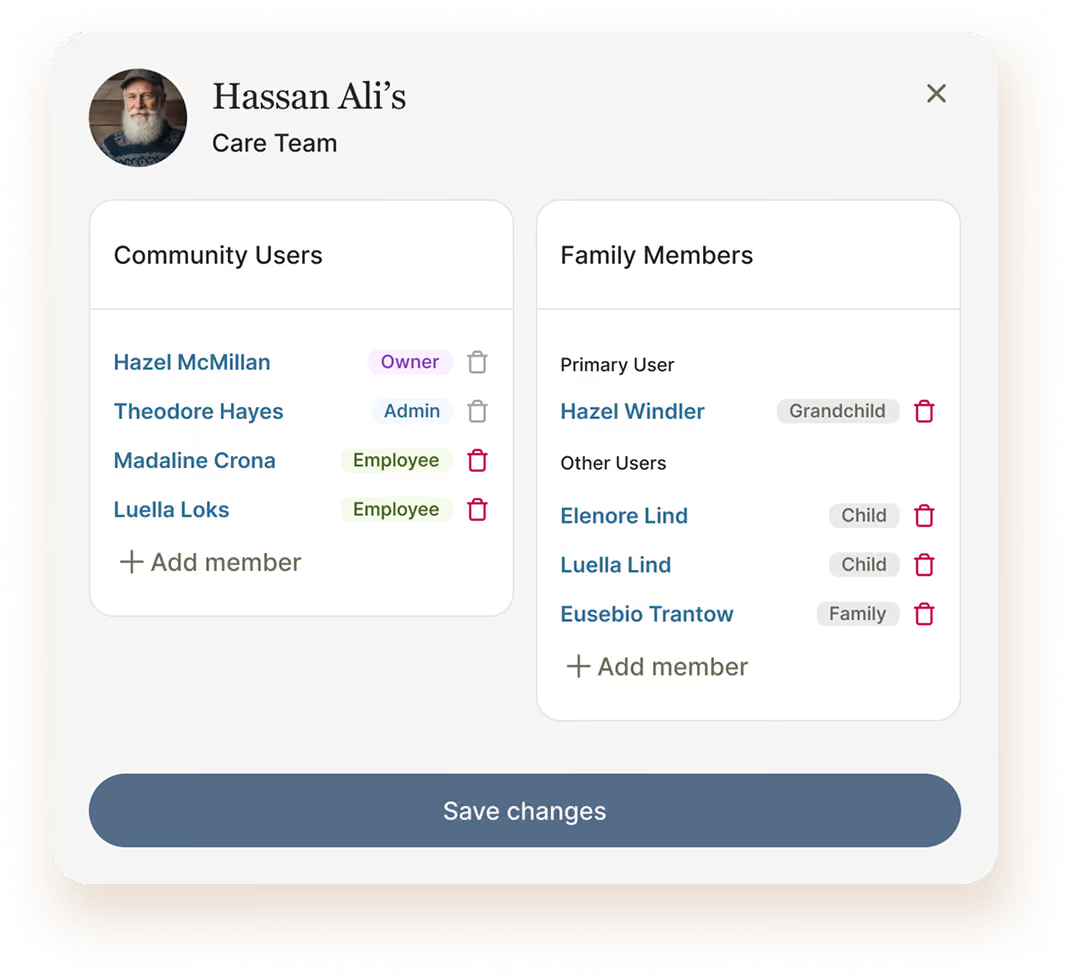
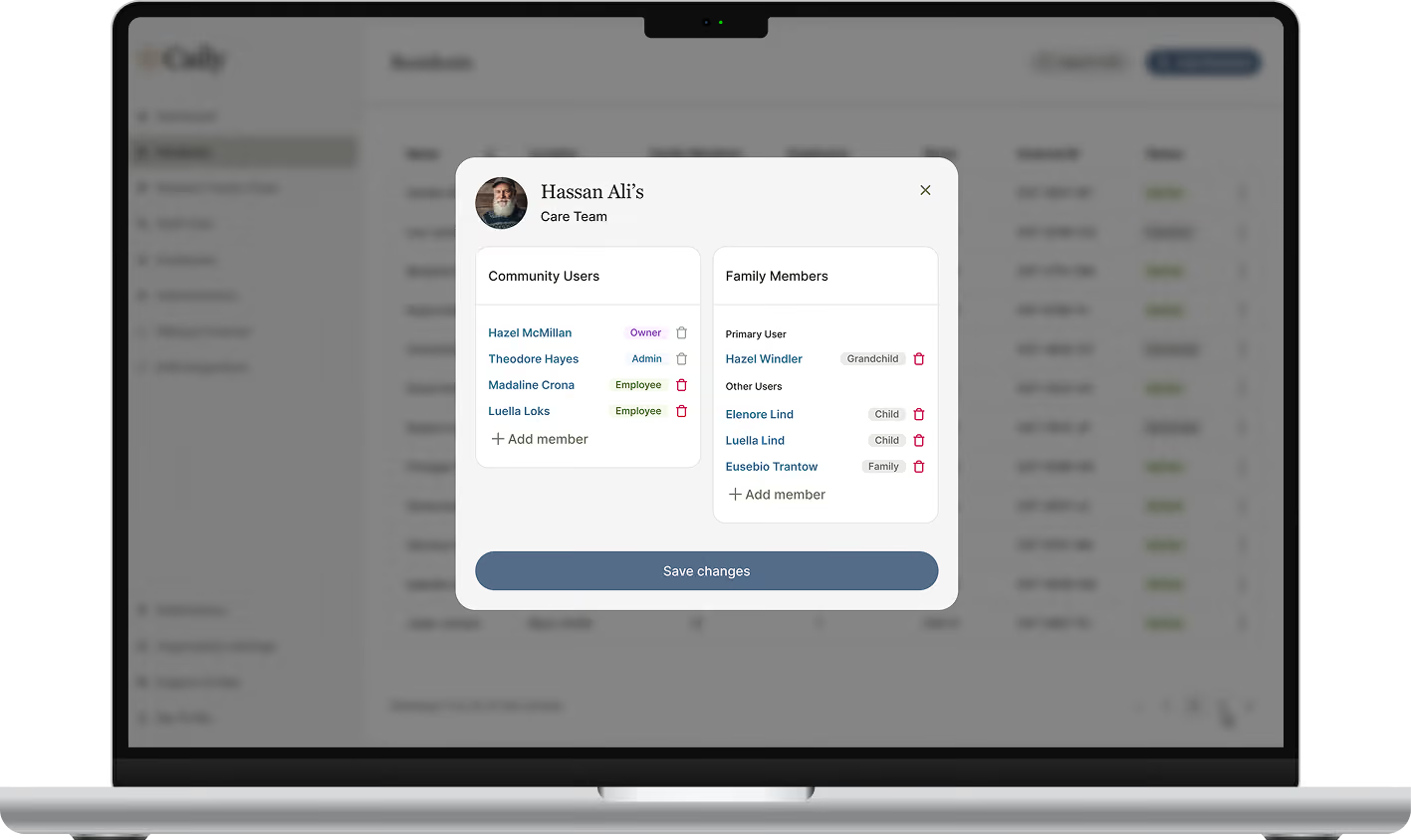
Staff only see the residents and locations they’re assigned to, nothing more.
Admins have full visibility across the whole team, and can step in or override access immediately when it matters.
Families only ever see their own loved one’s profile, never anyone else’s.
Permissions can be updated any time a staff member changes roles or locations, keeping access current.
Built for a team that’s always changing.
Staff moving between locations
Residents transferring levels of care
New hires and departures
Sensitive conversations limited to specific team members
Admin oversight during an emergency
Urgent communication still needs to be secure.
Every login requires two-factor authentication
Sessions lock automatically after a short period of inactivity.
Access can be revoked in seconds the moment someone leaves your team.
No PHI lives on the device itself.
BAAs are already in place with every client.

Part of one connected communication experience.
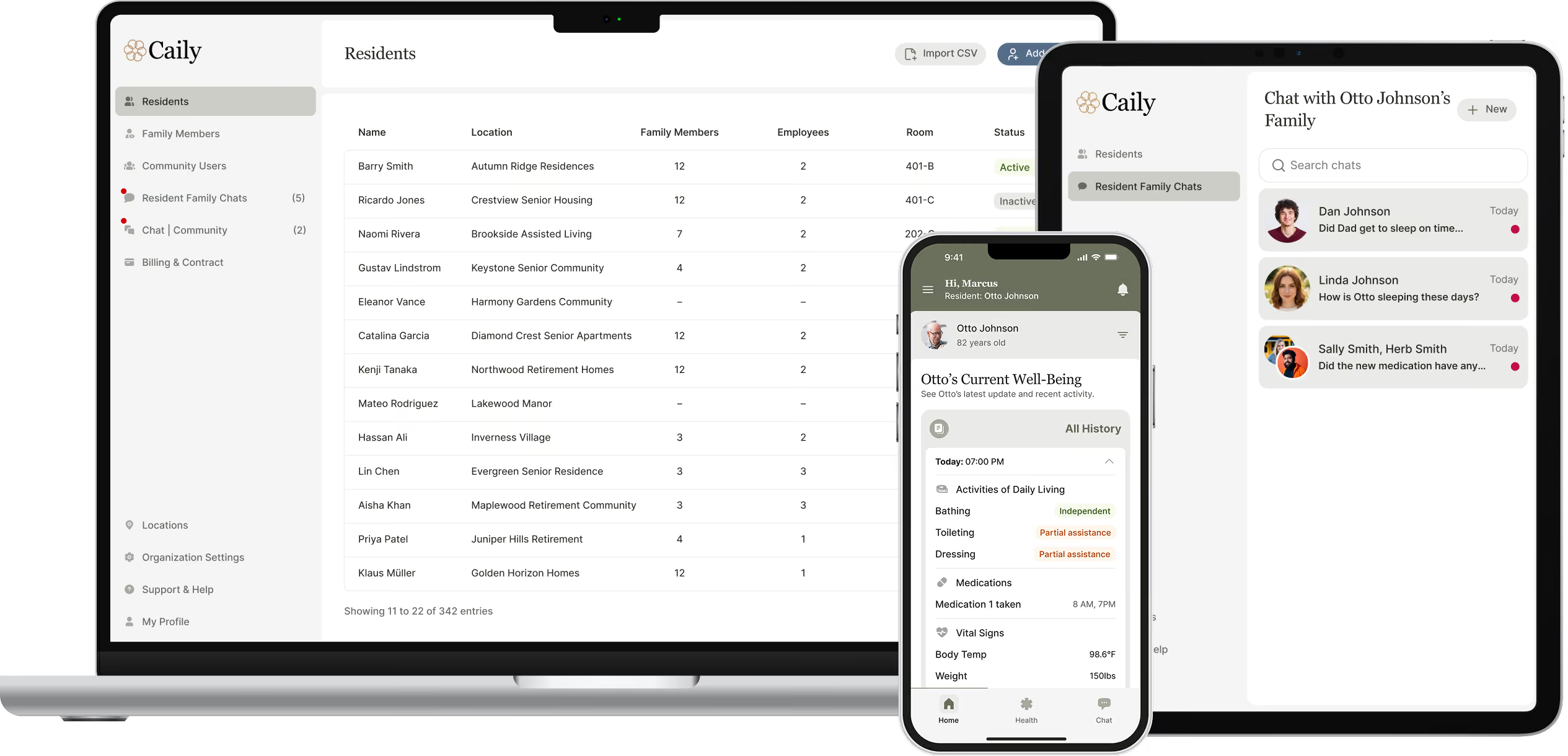
This works alongside staff messaging, family messaging, daily updates, announcements, emergency alerts, searchable history, and optional EHR integration.
Common Questions
Can staff see residents outside their assigned location?
No. Staff only see residents and locations they’re assigned to. Admins can see across the whole team.
What happens to access when a staff member changes roles or locations?
Permissions can be updated any time someone’s role or location changes, keeping access current.
Can admins override permissions in an emergency?
Yes. Admins have full visibility and can step in or override access immediately when needed.
Do families ever see other residents’ information?
No. Families only ever see their own loved one’s profile and conversation.
Still have a question?
See how permissions could work for your community.
Talk through your roles, locations, and access needs.