
Give families one clear way to reach the care team.
Caily gives families one secure, consistent place to message the care team. No guessing who to call, no relying on personal numbers, and no losing context when shifts or staff change.


From an advisory partner:
— Brooke B., Safe HomeCare
How Caily helps.
Give families one consistent conversation.
Families message the care team in one place, so they don’t have to figure out which number or person to try next.
Connect the right team members.
The people responsible for that individual can see the conversation and respond, even as shifts and staffing change.
Keep access appropriately limited.
Families only see the information and conversations connected to their own loved one.
Make new messages hard to miss.
Caily sends push notifications when a new message arrives, helping staff and families stay connected without constantly checking the app.
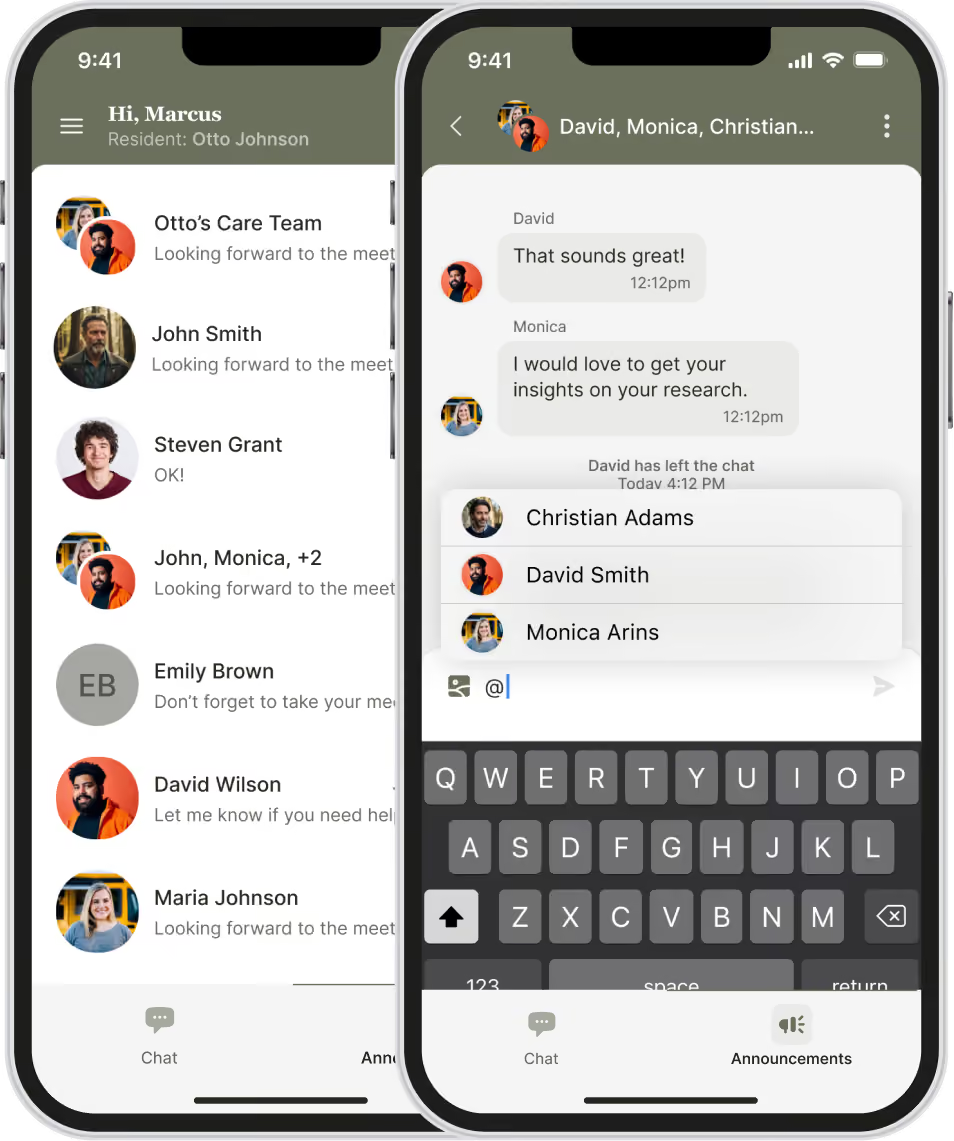
Built for the questions families actually have.
A quick question about care
Following up on an update
Checking in without making another call
Reaching the right person
Asking something privately
Staying connected when staff changes
See what this looks like for your families.
Watch a live walkthrough of the family experience.
.avif)
Urgent communication still needs to be secure.
Every login requires two-factor authentication
Sessions lock automatically after a short period of inactivity.
Access can be revoked in seconds the moment someone leaves your team.
No PHI lives on the device itself.
BAAs are already in place with every client.
Common Questions
Do families need a staff member's personal phone number?
No. Families communicate with the care team inside Caily, so staff don't have to share personal numbers to stay accessible.
Can more than one family member have access?
Yes. Multiple approved family members can be connected to the same loved one, with access limited to the information and conversations they're authorized to see.
Who can see family messages?
Only authorized family members and team members connected to that person's care can access the conversation. Families don't see information about anyone else your organization supports.
What happens when staff changes?
The conversation stays with your organization, so another authorized team member can see the history and continue the conversation without making the family start over.
Is there a cost for families to use Caily?
No. Families use Caily at no cost; access is provided through the organization.
Still have a question?
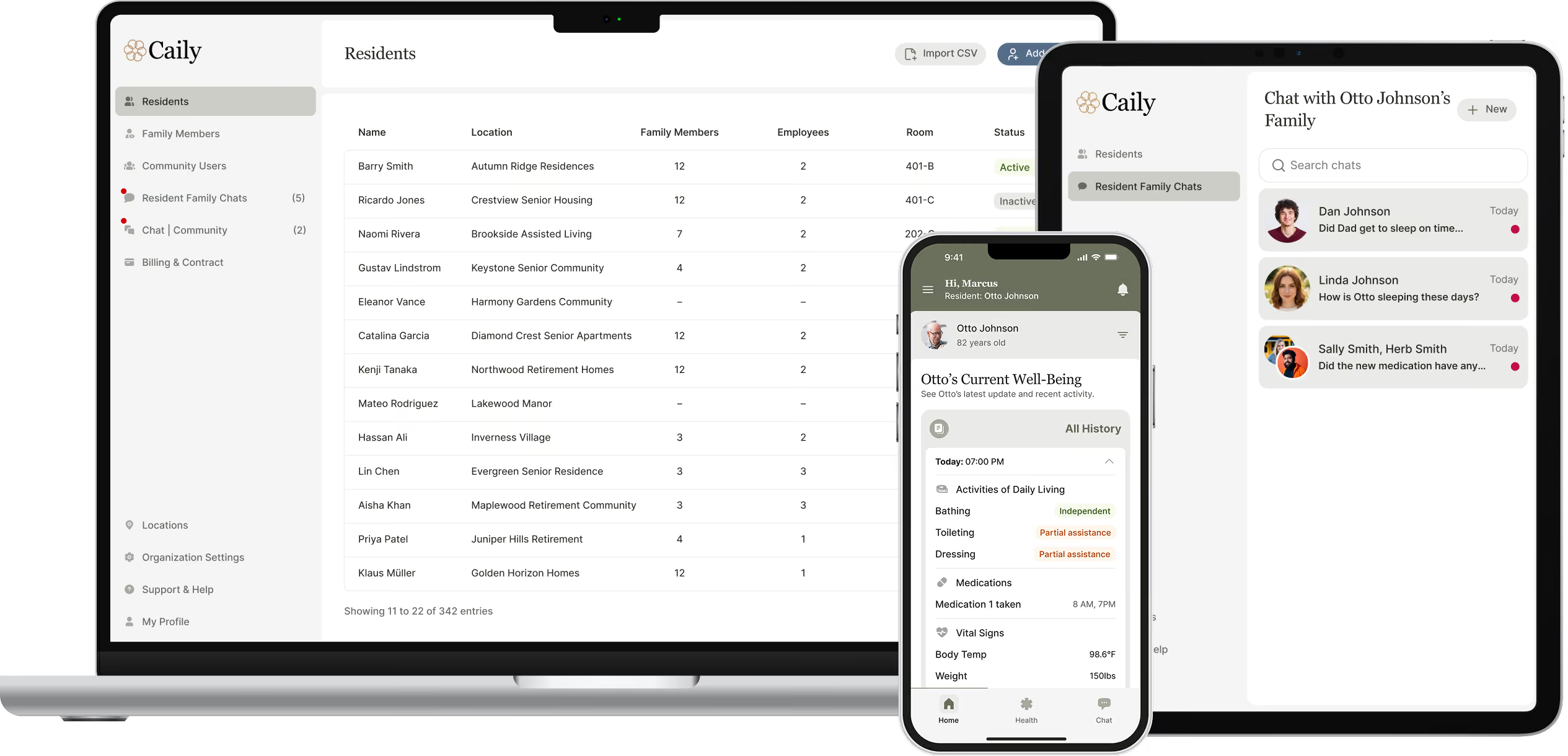
See what a clearer family experience could look like for your community.
Talk through how families reach your team today, and what would actually make that easier.